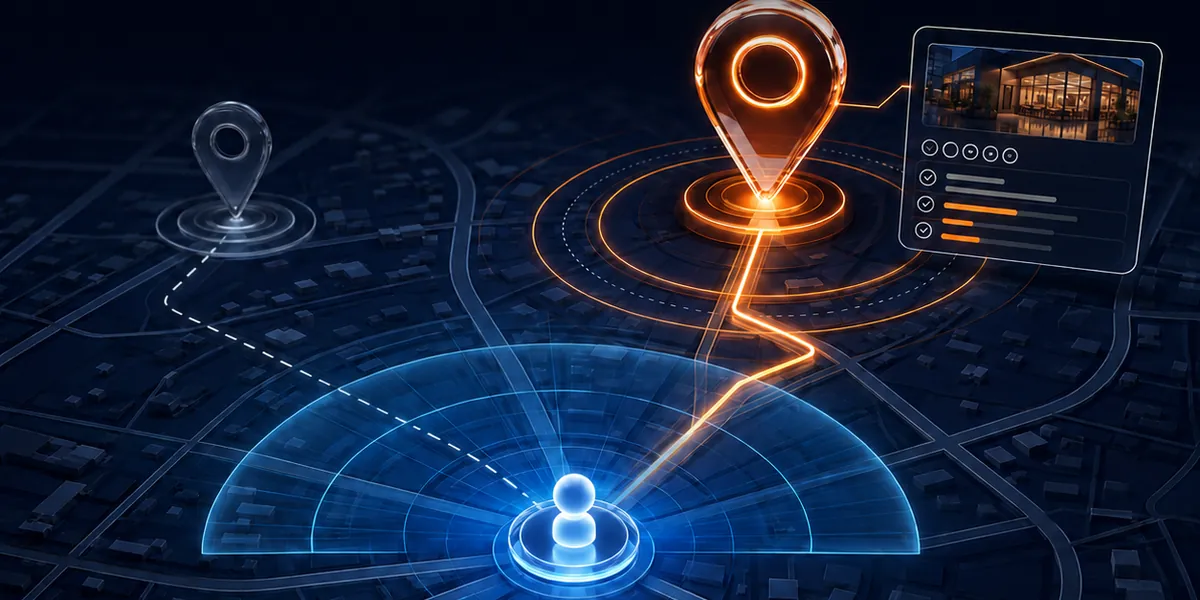
A potential customer finds your business on Google Maps. The rating is strong, so they open the profile. But the information they need to decide is missing, outdated or unclear: the opening hours look unreliable, the service area is not stated, the phone number does not connect. Most people will not report any of this. They simply go back to the map and pick the business that feels easier to contact. That is why strong reviews alone do not guarantee more Google Business Profile calls.
A five-star rating earns attention, not the decision. Once a buyer opens your profile, it has to answer a handful of questions quickly: are you available now, do you serve my location, do you provide the specific service I need, is the business active, and what is the fastest way to enquire, book or visit.
If your profile receives views but few calls, messages or visits, the problem may not be your rating. It may be the journey after it. Complete, consistent information turns consideration into action, and tracking shows which actions produce real leads.
Why a strong rating can still cost you Google Business Profile calls
Ratings and reviews help you get considered. They do not complete the sale. Between viewing a profile and picking up the phone, a buyer runs a quick, silent checklist, and any gap is a reason to move to the next result.
The common gaps are small and ordinary:
- Opening hours that look unreliable, such as holiday hours missing or a business shown as closed when it is open.
- No stated service area, so the buyer cannot tell whether you come to them.
- A phone number that does not connect, or goes to someone who cannot help.
- Services described too broadly, so the buyer cannot see that you do the specific thing they need.
- A website link that opens a generic homepage and does not answer the local buyer’s question.
I covered how a business gets found in why a nearby customer may never see your business. This article is about what happens once they have found you.
What the buyer is asking, and what your profile should show
A local buyer is usually in a hurry. They are scanning several profiles side by side and choosing the one that is easiest to act on. This table turns their silent questions into things you can check.
| The buyer asks | What the profile and website should show | A common failure |
|---|---|---|
| Are you available now? | Accurate hours, including holidays and any special days | Hours that are out of date or contradict the website |
| Do you serve my location? | A clear service area or address, matched on the website | No mention of areas served |
| Do you provide the specific service I need? | Specific services named, not only a broad category | A single vague category and a generic description |
| Is the business active? | Recent updates, photos and replies to reviews | Nothing new for a long time |
| What is the fastest way to enquire, book or visit? | A working phone number, message option, booking link or directions | A number that does not connect, or no easy route |
| Can you tell which actions produced real leads? | Tracking on calls, direction requests and website clicks | No way to see what the profile actually produces |
If any row fails, a buyer has to guess. In a local search they usually will not. Profile completeness is not a box-ticking exercise: each missing detail is a question the buyer cannot answer.
From profile view to enquiry
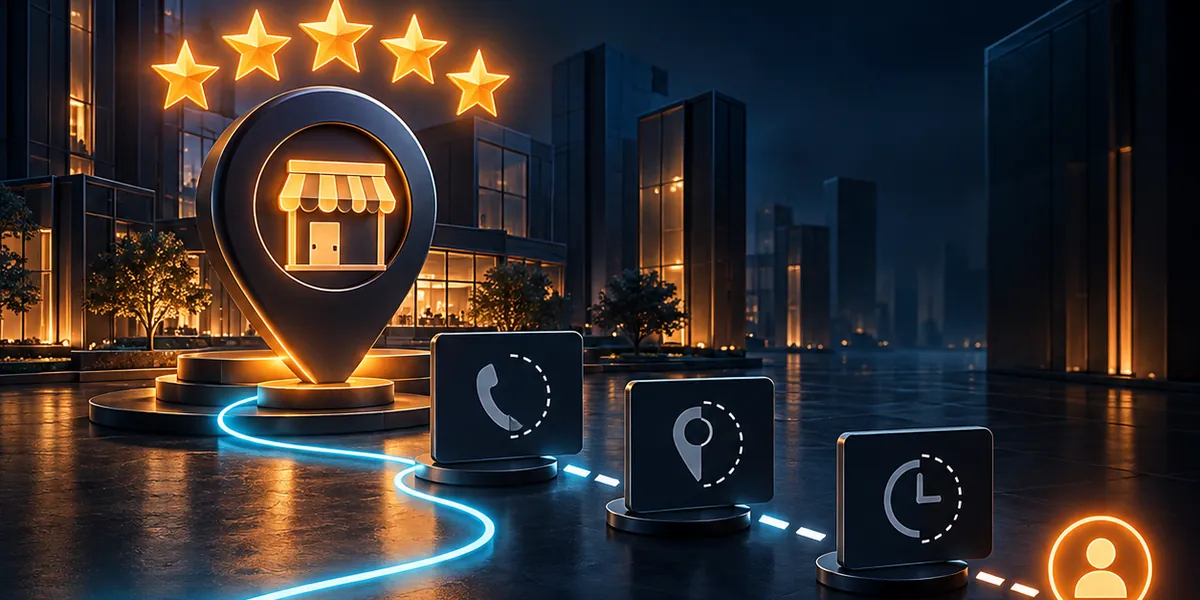
Turning views into action works as a chain. Each link answers one of the buyer’s questions, and a gap anywhere breaks the path.
- Confirm availability Keep hours accurate, including holiday and special hours, and make sure they match your website and other listings.
- Show where you serve State your service area or address clearly, and say the same on your website.
- Match services to searches List the specific services you provide, using the words customers use, instead of relying on a broad category.
- Show recent activity Keep updates, photos and review replies current, so the business looks open and attentive.
- Make the fastest route obvious Offer a working call button, a message option, a booking link or directions, whichever suits how your buyers prefer to act.
- Land them on a relevant page Send the website click to a page that answers the local buyer’s question, not a generic homepage.
- Track the actions Measure calls, messages, direction requests and website clicks, and connect them to real enquiries.
The website link: where local buyers land
The website link on your profile is often the point where interest fades. A buyer who clicks it wants an answer to the question that brought them to the map, such as whether you do the job in their area. A generic homepage makes them search again.
A better destination is a page that continues the promise: the service, the area, how to get in touch and proof that you do the work. The same principle applies to advertising, as I explain in why a homepage is not a landing page. A page built around one local question usually converts better than one built to introduce the whole business.
Local lead tracking: which actions produce real leads
A profile can show views, calls, direction requests and website clicks. Those numbers tell you something happened, not that it was worth anything. For useful local lead tracking, connect each action to what followed:
- Calls: Were they answered, and were they genuine enquiries? Missed and unanswered calls are lost leads.
- Website clicks: Did the visit lead to a form, a call or a message? Tag the profile’s website link so these visits can be identified in your analytics.
- Direction requests: These show intent to visit, but only your own records show who actually came.
- Messages: Reply quickly, and record which became customers.
If you use a call-tracking number, keep your main number visible and consistent across your listings, so the information stays trustworthy. And remember that capturing the enquiry is only the start. How fast and how well you respond decides whether it becomes a customer, which I look at in what to automate in lead response.
A ten-minute test as a customer
You can find the weak points without any specialist tools. Do this on your phone, as a buyer would.
- Search for your main service and your area, and find your profile among the results.
- Check the hours against reality. Do they show correctly for today, and for upcoming holidays?
- Look for your service area and your specific services. Can you tell what you do and where?
- Tap the phone number. Does it connect to someone who can help?
- Tap the website link. Does the page answer the question that brought you there?
- Check for recent activity: photos, updates, replies to reviews.
Wherever you hesitated, a customer would hesitate too.
Questions to ask whoever manages your profile
Whether your profile is handled by an agency, a freelancer or an internal team, these questions show whether it is managed for ratings or for results.
- When did we last check every field of the profile, including hours and service area?
- Does the phone number connect, and who answers it?
- Are our services listed specifically, in the words customers use?
- Where does the website link send visitors, and does that page answer the local question?
- Which profile actions do we track, and how do they connect to real leads?
- What did we change after the last review of profile performance?
If nobody can say what the profile actually produces, the rating may be doing less than you think.
How I approach it at B-Digital Mark
I am an independent digital marketing specialist, and I work directly with my clients. There are no account-manager layers between you and the person doing the work.
I connect Google Business Profile optimisation, local SEO, service pages, review strategy and conversion tracking, with transparent reporting. The aim is a profile that is complete and consistent, so the buyer who finds you can act, and you can see which actions turn into real leads. You can see how this fits with the rest of my services.
If your profile receives views but generates few calls, messages or visits, the problem may not be your rating. It may be the journey after it. Message me directly and we can look at your local visibility and what happens after the click.
Common questions
Why do I get views on my Google Business Profile but few calls?
Usually because something between the view and the call is unclear or missing: unreliable hours, no stated service area, vague services, a number that does not connect, or a website link that lands on a generic page. Check each as a customer on a phone, and fix the first point where you hesitate.
Are reviews enough to get more enquiries from Google Maps?
Reviews help people consider you, but they do not complete the decision. Buyers still check availability, location, services and how easy you are to contact. A strong rating with an incomplete profile can lose enquiries to a competitor whose information is clearer.
What should I include on my Google Business Profile?
Accurate hours including holidays, your address or service area, a working phone number, specific services described in customers’ words, recent photos and updates, a way to message or book, and a website link that goes to a relevant page. Keep the details consistent with your website and other listings.
How do I track leads from my Google Business Profile?
Use the profile’s own reporting for calls, direction requests and website clicks, tag the website link so visits can be identified in analytics, and record which calls and messages become customers. Counting views alone does not show whether the profile produces real leads.
Where should my Google Business Profile website link go?
To the page that best answers the local buyer’s question, such as the relevant service page for their area, not a generic homepage. A buyer who clicks should immediately see that you do the work they need, where they are, and how to get in touch.