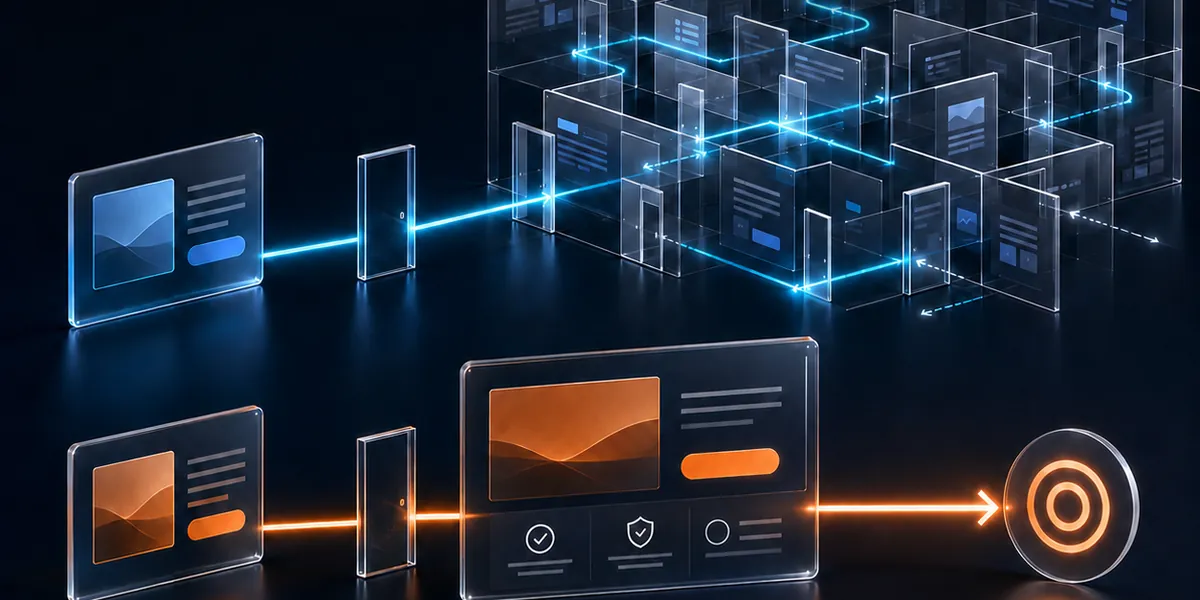
You invest in advertising, search, content and a better website to generate enquiries. Then the enquiry arrives, and it waits. A form sits unnoticed in an inbox. A WhatsApp message reaches the wrong person. By the time somebody replies, the buyer may already have spoken to three competitors. Lead response automation exists to remove that delay.
Lead response automation should remove the delays and repetitive work that stop people from selling, not replace the selling itself. Automate the routing, source recording, first acknowledgement, follow-up tasks and conversation history. Keep the conversation, the judgement and the relationship human.
If you pay to generate demand but rely on someone noticing every message manually, raising the advertising budget may only increase the number of opportunities you miss.
Why a slow reply costs more than it looks
Speed to lead is not about being first for its own sake. It is about being present while the buyer is still deciding. Someone who has just sent an enquiry is comparing providers, and the first useful reply often shapes how every other provider is judged.
There is no universal number of minutes that works for every business, and the right target depends on your buyer and your sector. What matters is the gap between what a buyer expects and what they get, and whether that gap is something your system can close without anyone remembering to do it.
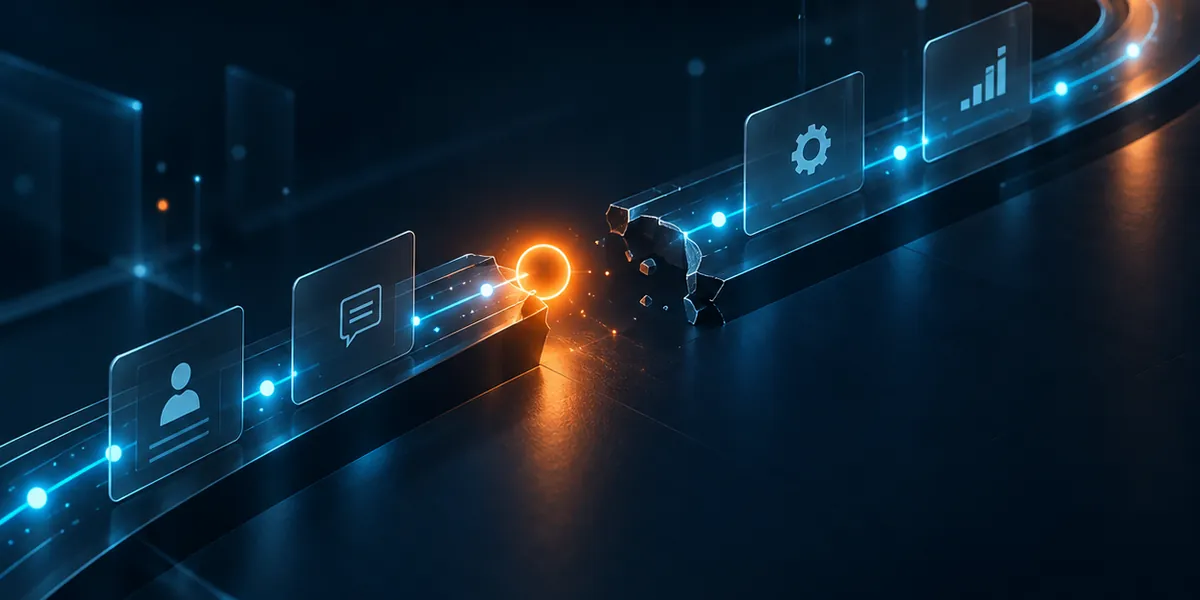
This is rarely a traffic problem. It is usually a broken connection between marketing and sales, and I look at the wider version of it in what happens after a paid lead arrives. Here the focus is narrower: how fast and how well you respond, and which parts of that response a system can do for you.
What lead response automation should and should not do
Automation is useful for the repetitive, time-sensitive parts of a response. It is a poor substitute for a person where judgement and trust are involved. This table separates the two.
| Task | Let automation do | Keep a person in charge |
|---|---|---|
| Routing the enquiry | Send it to the right person by service, market, language or channel | Handle unusual cases and reassign when someone is away |
| Recording the source | Capture the campaign, advertisement and page automatically | Check that the data is sensible |
| First acknowledgement | Confirm it was received and say what happens next | Write the real answer to the question asked |
| Follow-up tasks | Create the task, set the reminder and flag it when it is overdue | Do the follow-up and decide what to say |
| Conversation history | Log emails, messages and calls against the contact | Add the context only a person would notice |
| Qualification | Collect the answers and score them against your criteria | Judge fit, budget and timing |
| Pricing and objections | Nothing | All of it |
| The relationship | Nothing | All of it |
The aim is to give your sales team more time with real buyers, not to keep real buyers away from your sales team.
What a good automatic acknowledgement says
The first automatic message is often the only one a buyer sees for a while, so it should do real work. A useful acknowledgement:
- Confirms the enquiry arrived, so the buyer is not left wondering whether the form worked.
- Says who will reply, and roughly when, using a promise your team can keep every time.
- Refers to what they asked about, so it does not read like a generic receipt.
- Offers a route for urgent questions, such as a phone number or a direct message.
- Is honest that it is automatic. It should not pretend to be a person who is writing right now.
Check the rules of each channel, and the consent and privacy rules that apply in the countries you sell to, before you automate messages on email or WhatsApp. An automatic reply that irritates the buyer or breaks a rule costs more than a slow one.
Lead response automation, step by step
A response system is a chain, and a lead can stall at any link. Here is what each step should do.
- Capture Every enquiry from every channel (form, phone, WhatsApp, email) lands in one place, not scattered across inboxes and phones.
- Route The system sends it to the right owner by service, market, language or channel, with a named cover when that person is away.
- Record the source The campaign, advertisement and landing page are attached automatically, with no copying and pasting.
- Acknowledge The buyer receives an immediate, relevant message that sets honest expectations.
- Create the task A follow-up task is created with a due time, and escalates if it passes without action.
- Preserve the history Every message and call is logged against the contact, so anyone picking up the conversation sees the full story.
- Track the outcome The system records whether the enquiry became a qualified opportunity, a customer or a lost lead with a reason, and feeds that back into your reporting.
This is where CRM automation earns its place. It is the layer that connects your campaigns to your sales team, so the work is done by rules and your people are free to sell.
What automation should never replace
The risk of automating the reply is automating the relationship. Some parts of selling should stay in human hands:
- Understanding the buyer’s real problem, which rarely fits a form field.
- Pricing, negotiation and objections, where judgement and trust decide the outcome.
- Empathy and context, such as noticing that a message is urgent or that a buyer is unsure.
- Deciding when to stop. A person can see when a lead is not a fit and say so honestly.
A good system makes the human response faster and better informed. A bad one puts a machine between you and the buyer at exactly the moment the buyer wants to talk to someone.
A ten-minute test of your own response
You can see how your business really responds without any technical knowledge. Tell your team beforehand so nobody wastes time on a test.
- Send an enquiry through your website form using a name you will recognise, and another through WhatsApp if you advertise it.
- Note the time of each. Then note when an acknowledgement arrives, and whether it mentions what you asked about.
- Note when a person replies, who it is, and whether they know where the enquiry came from.
- Check your CRM or spreadsheet: is each enquiry recorded, with its source, without anyone typing it in?
- Look at the follow-up: is a task created, and what happens if nobody acts on it?
Wherever the trail goes quiet, you have found the delay to remove first.
Questions to ask whoever runs your lead system
Whether your marketing is handled by an agency, a freelancer or an internal team, these questions show whether your response is a system or a habit.
- Who receives each enquiry, and what happens if that person is unavailable?
- How quickly does the buyer get a first response, on every channel?
- Is the source recorded automatically, or typed in by hand?
- What does the automatic acknowledgement say, and who wrote it?
- What triggers a follow-up task, and what happens if it is missed?
- Can I see the full history of one enquiry, from first click to outcome?
If the honest answers rely on someone remembering, the system depends on luck.
How I approach it at B-Digital Mark
I am an independent digital marketing specialist, and I work directly with my clients. There are no account-manager layers between you and the person doing the work.
I connect landing pages, advertising channels, CRM workflows, email follow-up, analytics and reporting into one trackable growth system. The aim is simple: no enquiry waits for someone to notice it, and every response can be traced from first click to outcome. A page built around one clear promise and a response built to match it work best together. You can see how this fits with the rest of my services.
If you are paying to generate demand but relying on someone to spot every message by hand, let’s fix the journey after the click. Message me directly and we can look at where your enquiries go quiet.
Common questions
What is lead response automation?
Lead response automation uses rules and software to handle the repetitive, time-sensitive parts of replying to an enquiry: routing it to the right person, recording its source, sending an acknowledgement, creating follow-up tasks and logging the conversation. It does not replace the person who has the real conversation with the buyer.
How fast should I respond to a new lead?
As fast as your team can reliably sustain, on every channel. There is no single number that fits every business. Set a response target your people can meet every day, tell them, measure it, and use automation to cover the gap between the enquiry arriving and a person replying.
Should I use an automatic reply on WhatsApp or email?
It can help, if it is relevant, honest about being automatic and sent in line with the channel’s rules and the privacy and consent laws that apply to your buyers. A brief acknowledgement that says what happens next is usually better than silence, and worse than a prompt human reply.
Will automation make my business feel impersonal?
Not if you automate the delays and keep the conversation human. Routing, reminders and record-keeping are invisible to the buyer. What they notice is a quick, relevant reply and a person who knows their situation, which is what a good system makes easier.
Do I need a CRM to automate lead response?
You need one place where every enquiry is recorded with its source, its owner and its status. At very low volumes a well-kept spreadsheet with reminders can work. As volume grows, a CRM makes it practical to route, remind and report without relying on people to remember.